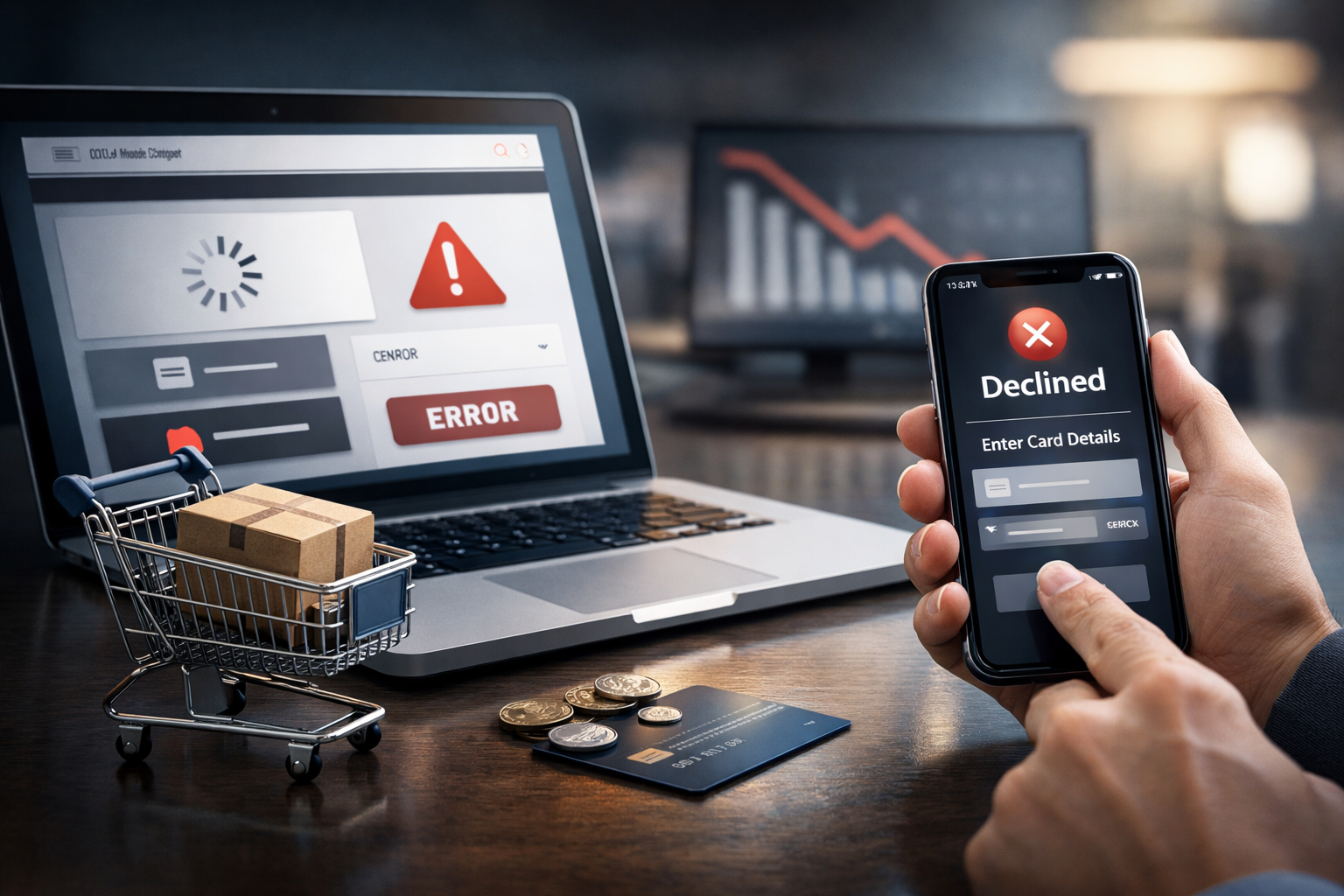
5 WooCommerce Checkout Mistakes That Drive Customers Away
Your ads are working. Your products look great. Traffic is up. But orders? Not so much. Before you spend more to attract new visitors, it’s worth checking whether your WooCommerce checkout is quietly pushing ready-to-buy shoppers away.
Checkout friction is one of the fastest ways to lose revenue you already earned. The good news: most issues are predictable and fixable. Below are five common WooCommerce checkout problems, how they show up for customers, and what to do about them.
1. Surprise Costs at the End of Checkout
Nothing kills momentum like a total that suddenly jumps on the last step.
How it drives shoppers away
- Customers feel “bait-and-switched” when shipping, tax, or fees appear late.
- Bargain hunters bounce to compare “real” prices on competitor sites.
- Free-shipping expectations aren’t clearly managed, so frustration wins.
Common WooCommerce culprits
- Shipping only calculated after address is fully entered.
- Handling or “small order” fees added in the final review only.
- Discounts/coupons unclear or applied too late.
Fix it
- Show an estimated total (including tax and shipping ranges) in the cart.
- Use WooCommerce shipping zones and methods so rates can be calculated early.
- Display clear free-shipping thresholds on product pages and cart.
- Test coupon behavior so customers see their savings before they commit.
Small clarity changes here often lift conversion without touching your ad budget.
2. Forcing Shoppers to Create an Account
Many first-time buyers just want to pay and move on. Forced account creation adds friction and feels like a commitment.
How it drives shoppers away
- Extra steps and forms for users who may never buy again.
- Privacy-conscious shoppers hesitate to “hand over” yet another login.
- Mobile buyers won’t bother with passwords and confirmation emails.
Common WooCommerce culprits
- “Allow customers to place orders without an account” disabled in WooCommerce settings.
- Account registration required for viewing order status.
- No clear value proposition for creating an account.
Fix it
- Turn on guest checkout and keep it as the default path.
- Offer optional account creation after purchase with one click (e.g., “Set a password to save your details for next time”).
- Explain the benefit: faster checkout, saved addresses, access to order history—not generic “create an account”.
Result: less resistance for first-time buyers, while still growing your customer database.
3. Confusing or Overloaded Checkout Fields
If your checkout looks like a government form, something’s wrong.
How it drives shoppers away
- Too many required fields feel like work, especially on phones.
- Unclear labels or validation messages cause errors and restarts.
- Shoppers wonder why you “need” certain data and bail out.
Common WooCommerce culprits
- Unnecessary fields added by plugins (company name, fax, second phone, etc.).
- Mandatory fields that don’t apply to most customers (e.g., “Order Notes”, “VAT ID”).
- Confusing address formats for different countries.
Fix it
- Audit every field: if it doesn’t help fulfill or support the order, consider removing it.
- Use a checkout field editor plugin to:
- Hide non-critical fields.
- Make low-value fields optional.
- Group related information to improve scanning.
- Write plain-language labels and inline hints (e.g., “Apartment, suite, unit, etc.”).
- Keep business-specific fields (e.g., tax IDs) conditional for B2B buyers only.
Streamlining fields is one of the simplest ways to reduce cart abandonment on WooCommerce.
4. Limited or Untrusted Payment Options
Even highly motivated shoppers will abandon if they don’t see a payment method they trust.
How it drives shoppers away
- Some customers won’t enter card details on a site they don’t know.
- Others rely heavily on wallets like PayPal, Apple Pay, or Google Pay.
- Corporate buyers may need invoicing or purchase-order-friendly options.
Common WooCommerce culprits
- Only one gateway (e.g., standard credit card) configured.
- Outdated or clunky payment forms that don’t look secure.
- Lack of express checkout for returning or wallet users.
Fix it
- Offer at least:
- A major card processor (Stripe, WooCommerce Payments, etc.).
- At least one popular wallet (PayPal, Apple Pay, Google Pay, depending on audience).
- Use hosted or well-designed payment forms with visible security cues (HTTPS, recognizable logos).
- Enable express checkout where appropriate, especially on mobile.
- If you serve B2B, consider options like bank transfer or terms-based invoicing for approved accounts.
Ascent often helps clients choose and integrate the right mix of gateways so you’re not losing sales at the final click.
5. Checkout That Fights Mobile Users
For many WooCommerce stores, more than half of traffic is mobile. If your checkout was designed on a desktop and never reworked, it’s probably costing you.
How it drives shoppers away
- Pinch-and-zoom forms, tiny buttons, and awkward layouts wear people out.
- Keyboards don’t match the field type (e.g., email vs. number vs. card).
- Slow page loads on mobile data create drop-offs after each step.
Common WooCommerce culprits
- Theme or page-builder checkout templates that aren’t mobile-optimized.
- Multiple-step checkout broken oddly on small screens.
- Heavy scripts, tracking tags, and images loading during checkout.
Fix it
- Test your checkout on real devices, not just a resized desktop browser.
- Simplify to a clean, single-column layout with obvious buttons.
- Use input types that trigger the right keyboard (number pad for phone and card, email keyboard for email fields).
- Remove non-critical scripts and elements from checkout:
- Popups, sliders, large hero images, auto-playing videos.
- Anything that distracts from finishing the order.
- Monitor mobile performance (Core Web Vitals, page speed) specifically on checkout URLs.
This is where tailored WooCommerce development and UX work pays off quickly, especially for ad-driven traffic.
How to Decide What to Fix First
Rather than guessing, use a simple data-led approach:
- Look at funnel analytics: cart views → checkout starts → completed orders.
- Compare mobile vs. desktop conversion rates.
- Review payment method usage and payment failures in your gateway reports.
- Ask support and sales teams which complaints show up over and over.
Fix the issues that hit the biggest group of customers and the highest drop-off step first. That’s typically surprise costs, slow mobile checkout, or a clunky payment experience.
Need Help Unsticking Your WooCommerce Checkout?
If your store is getting traffic but not enough orders, the problem is often in the last 5% of the journey. Cleaning up checkout friction usually costs less than driving more clicks—and delivers better ROI.
Ascent Digital Media works with SMBs, B2B companies, and agency partners to improve WooCommerce checkout UX, integrate payment gateways, tune mobile usability, and measure the full checkout funnel so you know what’s working.
If you’d like a straightforward review of your WooCommerce checkout and practical recommendations, reach out to Ascent. We’ll help you turn more of your existing visitors into paying customers before you spend another dollar on traffic.