Choosing Your First AI Stack: A 90-Day Roadmap for Small Marketing Teams to Achieve ROI Safely
If you’re a small in-house marketing team for a local service business, you’re under pressure to “do something with AI” — but you can’t afford to waste money, damage your brand, or create compliance issues.
This roadmap is built for you: a non-technical, 1–5 person marketing team that needs to choose the right AI tools, roll them out in 90 days, and prove real results without chaos.
We’ll walk through a practical, decision-tree style process: what to implement first, what to delay, and how to keep everything safe, on-brand, and measurable.
Before You Start: What “AI Stack” Means for a Small Local Marketing Team
For a small local service business (clinic, home services, agency, law firm, accounting, fitness studio, etc.), your “AI stack” doesn’t need to be complex. Think of it as three layers:
- Core AI assistant – a general AI tool (like ChatGPT, Claude, Gemini, etc.) used for writing, planning, and analysis.
- Channel-specific tools – AI inside tools you already use (Google Ads, Meta Ads, email platform, website CMS, CRM).
- Governance layer – simple rules, templates, and approvals that keep everything on-brand, compliant, and trackable.
You’re not building a tech startup. You’re choosing a few tools that plug into your existing marketing and help you do more with less risk.
90-Day Overview: What You’ll Accomplish
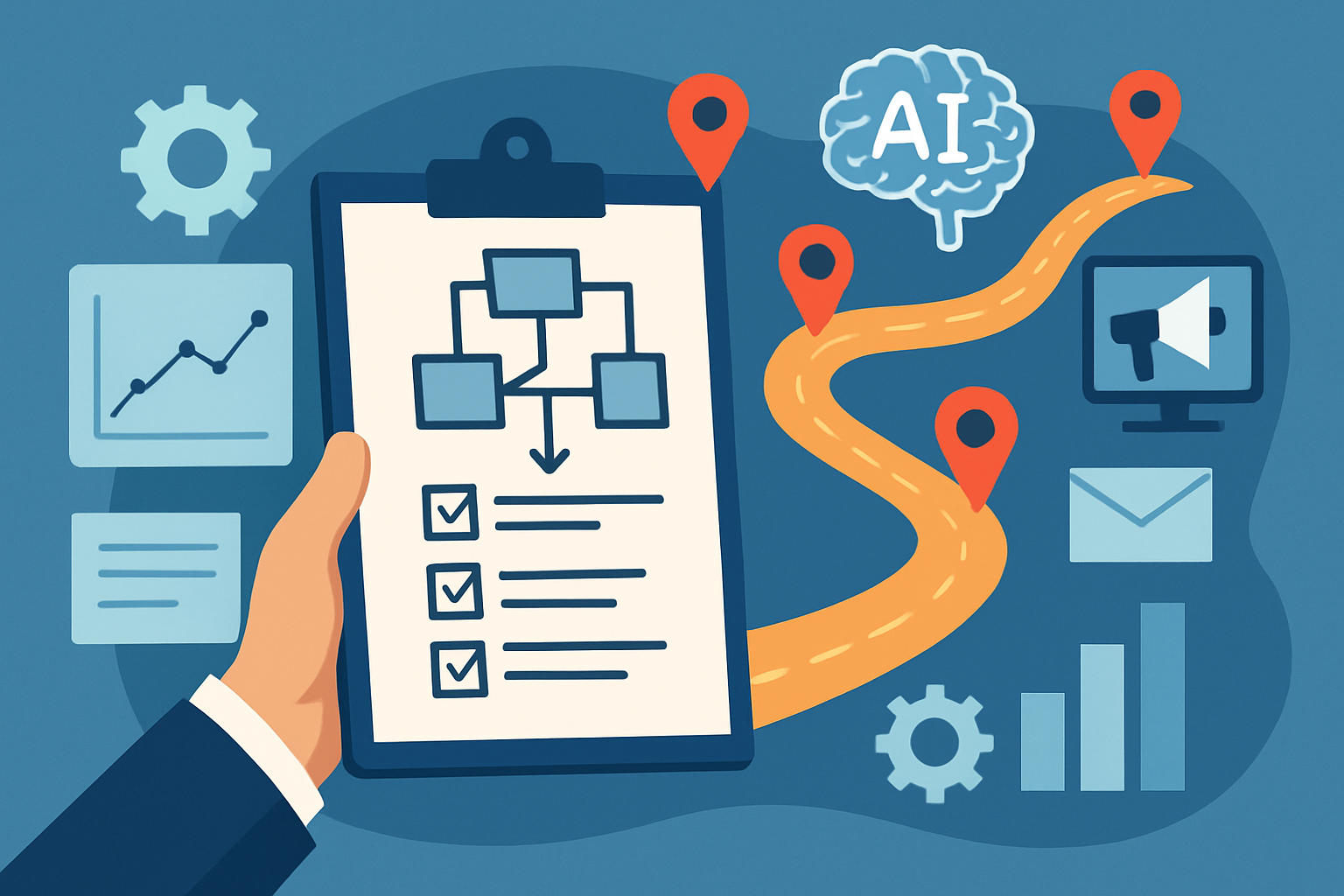
Here’s the high-level 90-day roadmap:
- Days 1–7: Clarify goals, constraints, and risks. Decide what to automate first.
- Days 8–21: Choose your first AI tools and set up a simple governance framework.
- Days 22–45: Pilot 1–2 AI-powered workflows on a small scale.
- Days 46–75: Expand to a basic AI stack that supports 3–5 weekly tasks.
- Days 76–90: Measure ROI, refine workflows, and decide what to scale or stop.
Each phase includes decision checkpoints so you don’t overextend or buy tools you don’t need.
Phase 1 (Days 1–7): Clarify ROI Targets and Risk Boundaries
Before picking tools, decide what “success” and “safe” look like for your business.
Step 1: Identify Your Top 2–3 Marketing Bottlenecks
List where your team is currently overwhelmed. Common examples for local service SMBs:
- Writing website pages, blog posts, or landing pages.
- Creating and posting social media content consistently.
- Managing Google Ads or Meta (Facebook/Instagram) Ads.
- Sending regular email campaigns or newsletters.
- Responding to reviews or handling basic customer questions.
Pick no more than three bottlenecks. These will guide your AI priorities.
Step 2: Define a Simple 90-Day ROI Goal
AI ROI doesn’t have to be complicated. For most small teams, start with one of these:
- Time savings – e.g., “Save 20 hours/month on content and campaign setup.”
- Lead quantity – e.g., “Increase qualified leads by 15% from website and ads.”
- Lead-to-appointment rate – e.g., “Improve conversion of leads to booked appointments by 10%.”
Translate that into a simple statement:
“In 90 days, we want AI to help us [goal] by improving [metric] from [current] to [target].”
Step 3: Set Your Risk Boundaries and Non-Negotiables
This is your governance starting point. Ask:
- Brand risk: What would be unacceptable? (e.g., off-brand tone, insensitive content, misleading claims)
- Compliance risk: Do you operate in a regulated industry (healthcare, legal, finance, childcare, etc.)? Are there rules on testimonials, claims, or data handling?
- Data privacy: Are you allowed to paste client data into external tools? If unsure, assume no private data in AI tools and work with anonymized or sample data only.
Write down 3–5 non-negotiable rules, for example:
- “AI cannot publish content without human review.”
- “AI must not make guarantees about outcomes (e.g., ‘cure,’ ‘guaranteed results’).”
- “We will not paste full customer records or anything with personal identifiers into AI tools.”
These will later become your “AI usage policy” for the marketing team.
Decision Checkpoint #1: Are You Ready to Choose Tools?
You’re ready to move to tool selection if you have:
- Top 2–3 bottlenecks documented.
- A simple 90-day ROI goal and metric.
- 3–5 written risk rules for how AI will be used.
If any of those are fuzzy, clarify them now. Otherwise, you’re likely to overspend or choose tools that don’t match your real needs.
Phase 2 (Days 8–21): Select Your First AI Tools and Governance Framework
Now you’ll choose a minimal first AI stack. Start small and layer on complexity only after you see results.
Step 4: Choose a Core AI Assistant
This is your general-purpose “thinking partner” for content, planning, and analysis.
Key criteria for a small team:
- Ease of use: Clean interface; non-technical users feel comfortable.
- Team features: Shared workspaces, content history, and permissions (even basic).
- Data handling: Clear policy on how your prompts and outputs are used.
Examples of what to look for (not endorsements of specific providers):
- “Pro” or “Team” plans that allow shared templates and style guides.
- Ability to save and reuse prompts (often called “custom instructions,” “projects,” or “workflows”).
- Clear option to opt out of data being used to train public models.
Decision guide:
- If your team is completely new to AI → pick a single, user-friendly AI assistant and commit to using it daily for drafts and idea generation.
- If some of you already use different AI tools → standardize on one for the marketing team to simplify training and governance.
Step 5: Decide on Channel-Specific AI Features (Use What You Already Have)
Before buying add-ons, look at AI already built into your current tools:
- Ad platforms: Google Ads smart bidding, responsive ad suggestions; Meta Advantage+ audiences and placements.
- Email platforms: Subject line generators, send-time optimization, basic content suggestions.
- Website builders / CMS: AI text suggestions, on-page SEO recommendations.
- CRM / booking platforms: Simple automation for reminders, follow-ups, and basic scoring.
Decision guide:
- If your current tools already include AI features → start there. Turn on only what connects directly to your 90-day goal.
- If your tools are very basic and don’t include AI → note these as potential upgrades for phases 3–4, not week 2.
Step 6: Create a Simple AI Governance Framework
Governance seems complex, but for a small team it can fit on one page. Include:
- Approved AI tools
List which AI tools are allowed for marketing (e.g., “Core assistant X, Google Ads, Email platform Y”). - Allowed use-cases
For example:- Drafting: blog posts, social posts, emails, ad copy.
- Research: topic ideas, keyword ideas, customer questions.
- Analysis: summarizing survey feedback, grouping leads by source.
- Prohibited use-cases
Examples:- No legal, medical, or financial advice without professional review.
- No promises of guaranteed results.
- No uploading of client PII (names, emails, phone numbers, health details, case files, financial details).
- Review and approval steps
Define who must review AI-generated content before it goes live:- One person reviews all AI content touching compliance-sensitive topics.
- At least one human review for every ad or landing page.
- Documentation expectations
Decide how you’ll track where AI is used (e.g., a simple spreadsheet column: “AI-assisted? Y/N”).
Decision Checkpoint #2: Is Your Stack and Policy “Good Enough to Start”?
You are ready for pilot workflows if you have:
- One chosen core AI assistant.
- A list of your current tools with AI features you will test first.
- A one-page AI usage policy you’ve shared with the whole team.
Don’t wait for a perfect policy; you’ll refine it in later phases.
Phase 3 (Days 22–45): Pilot 1–2 High-Impact AI Workflows
Now you’ll run small, controlled experiments focused on your biggest bottlenecks. The goal: prove value fast without risking your brand.
Step 7: Choose 1–2 Pilot Workflows
Pick from these common, high-ROI workflows for local service businesses:
- Content production pilot
- Use AI to draft blog posts, service pages, or FAQs.
- Human edits for accuracy, tone, and local relevance.
- Ad copy and landing page pilot
- Use AI to propose variations of ad headlines, descriptions, and simple landing page copy.
- Run A/B tests against your current best-performing versions.
- Email sequence pilot
- Use AI to draft a 3–5 email nurture sequence for new leads or dormant clients.
- Human edits + limited test segment of your list.
Decision guide:
- If your main bottleneck is not enough content → start with content production.
- If your bottleneck is not enough leads → start with ads + landing pages.
- If your bottleneck is leads not converting → start with emails and follow-up messaging.
Step 8: Design Each Pilot with Clear Boundaries
For each chosen workflow, define:
- Scope
Example: “AI will draft 4 blog posts and 10 social captions; we will only publish after manual review.” - Owner
One person responsible for prompts, editing, and tracking results. - Baseline
Measure where you are now, such as:- How long it takes to create one blog post or campaign.
- Current click-through rates, cost per lead, or open rates.
- Success signals
Define what “good enough” looks like:- Time to produce content is halved while quality stays equal or better.
- Ad performance is at least as good as your current best, ideally better.
Step 9: Build Your First Reusable Prompts and Templates
To keep AI outputs consistent and safer, create simple prompt templates for your team. For example:
Blog draft prompt template:
- Business type (e.g., “We are a local HVAC company in [city].”)
- Audience (e.g., “Homeowners who want to reduce energy bills.”)
- Content goal (e.g., “Explain the benefits of regular AC maintenance and invite them to book an inspection.”)
- Tone (e.g., “Friendly, clear, no jargon, no exaggerated promises.”)
- Compliance note (e.g., “Do not guarantee savings or specific outcomes. Use plain, non-technical language.”)
Save these templates inside your AI assistant or in a shared doc. Everyone should use the same “starter” prompts.
Step 10: Run Pilots and Keep Human Review Tight
During this phase:
- Use AI to generate 1–2 draft options for each piece of content or ad.
- Have the designated owner review for:
- Accuracy (no wrong statements about your service or industry rules).
- Brand voice (does it sound like you?).
- Compliance (no forbidden phrases or claims).
- Track time spent versus your previous manual process.
Decision Checkpoint #3: Did the Pilots Produce Value Without Problems?
Ask these questions after 3–4 weeks of pilot use:
- Did we save any measurable time? (e.g., content creation hours cut by 30–50%)
- Did performance stay the same or improve? (e.g., ad CTR, open rates, form fills)
- Did any brand or compliance issues appear? (e.g., complaints, off-brand tone, incorrect claims)
If you see time savings or equal/better outcomes with no major incidents, you’re ready to expand. If not, adjust prompts, tighten review, or simplify your use-cases before moving on.
Phase 4 (Days 46–75): Expand to a Basic, Repeatable AI Stack
Now that you’ve de-risked your first workflows, build a simple, repeatable AI-powered marketing system.
Step 11: Standardize 3–5 Weekly AI-Enabled Tasks
Choose a small set of recurring tasks AI will support every week. Examples:
- Drafting 2–4 social media posts.
- Creating first drafts of blog posts or landing copy.
- Suggesting ad copy variations for active campaigns.
- Summarizing lead or review data into insights.
- Drafting email subject lines and body copy for campaigns.
For each task, create a short “workflow card” (in a doc or project tool) that includes:
- Purpose and expected output.
- Prompt template to use.
- Where to save drafts and who reviews them.
- How results will be measured.
Step 12: Integrate AI More Deeply with Existing Tools (When Justified)
Now consider deeper integrations or additional tools, but only if they clearly support your 90-day goals.
Examples of “level 2” integrations:
- CRM automations: AI-assisted follow-up sequences triggered when a lead fills a form but doesn’t book.
- Chat or FAQ automation: AI-powered website chat that answers basic questions, then hands off to humans for complex inquiries.
- Reporting helpers: AI summarizing Google Analytics or ad platform data into human-readable insights.
Decision guide:
- If pilots are working and you still have clear bottlenecks → consider adding one more AI-powered tool or integration.
- If your team feels overwhelmed managing what you have → do not add more tools. Focus on making existing workflows smoother.
Step 13: Refine Governance Based on Real-World Use
Update your AI policy with what you’ve learned:
- Add examples of good prompts and outputs your team should model.
- Document issues you found (e.g., AI hallucinations, awkward tone) and how to catch them.
- Clarify escalation: when should a junior marketer ask a manager or legal/compliance for review?
At this stage, your governance should feel like practical guardrails, not theory.
Decision Checkpoint #4: Is Your Stack Sustainable?
By day ~75, verify:
- Team members know which AI tools to use for what.
- Everyone is using shared prompts/workflows, not random one-off experiments.
- No major brand/compliance incidents have occurred.
If you’re still seeing confusion or messy use, pause new initiatives and run a short internal training or “AI usage reset” before scaling further.
Phase 5 (Days 76–90): Measure ROI and Decide Your Next 90 Days
This final phase turns your 90-day experiment into a measurable story of what worked, what didn’t, and what to do next.
Step 14: Measure ROI in Time, Cost, and Outcome
For a small local team, keep measurement simple. Look at three dimensions:
- Time saved
Compare “before AI” vs. “after AI” for key tasks:- Content creation hours per week.
- Campaign setup / optimization time.
- Report creation and analysis time.
- Marketing performance
Use whatever metrics you already track:- Website leads or form fills.
- Ad click-through rates and cost per lead.
- Email open and click rates.
- Qualitative feedback
Ask the team:- Where does AI truly help?
- Where does it slow you down or create rework?
- Where do you still feel nervous about brand or compliance?
Step 15: Decide What to Scale, Fix, or Stop
Group your workflows into three buckets:
- Scale – Workflows that save time and deliver equal or better results with minimal risk. Example: drafting social posts, summarizing review data.
- Fix – Workflows with potential but inconsistent results. Example: ad copy that sometimes goes off-tone. These may need better prompts or stricter review.
- Stop – Workflows that create confusion, errors, or don’t save time. Example: trying to fully automate complex, regulated content with minimal oversight.
Use this analysis to shape your next 90-day plan: double down on “Scale,” improve “Fix,” and pause “Stop.”
Step 16: Capture a Simple 90-Day AI Report
Create a one- or two-page summary that could be shown to your owner, partners, or leadership:
- What we implemented – tools and workflows, in plain language.
- What we achieved – time savings, outcome improvements, fewer bottlenecks.
- How we stayed safe – governance rules, review steps, and any issues caught.
- What’s next – 2–3 priorities for the next 90 days.
This document becomes your reference for future decisions and protects you from “shiny object” demands that don’t fit your strategy.
Decision Tree Summary: How to Choose and Implement Your First AI Stack
Use this text-based decision tree to quickly check your direction.
- Are you clear on your top 2–3 marketing bottlenecks?
- No → Spend 1–2 days mapping current activities and where you’re overworked.
- Yes → Move to step 2.
- Do you have a 90-day goal and simple metric?
- No → Choose time savings, lead volume, or conversion rate as your primary metric.
- Yes → Move to step 3.
- Have you defined brand/compliance non-negotiables?
- No → Write 3–5 rules on tone, claims, and data privacy.
- Yes → Move to step 4.
- Do you have one core AI assistant selected?
- No → Choose a single, team-friendly AI assistant and set up accounts.
- Yes → Move to step 5.
- Have you identified AI features in tools you already use?
- No → Review your ad, email, website, and CRM tools for built-in AI options.
- Yes → Move to step 6.
- Have you written a one-page AI usage policy?
- No → Draft it, share with the team, then revisit quarterly.
- Yes → Move to step 7.
- Are you piloting only 1–2 workflows?
- No (you’re doing more) → Cut back to 1–2 high-impact pilots.
- Yes → Run the pilots with strict human review.
- Do pilots show time savings and stable or better results?
- No → Refine prompts, templates, and review steps; consider simplifying use-cases.
- Yes → Standardize these workflows and add them to your regular process.
- Is your team comfortable and consistent in AI usage?
- No → Provide mini-training, share examples, and clarify who owns what.
- Yes → Consider adding one more AI-enabled area aligned with your goals.
- Have you documented 90-day results and next steps?
- No → Create a short report covering tools, workflows, results, safety, and next priorities.
- Yes → Use it to guide your next 90-day cycle.
Local and GEO Considerations for Small Service Businesses
AI can easily generate generic content that doesn’t feel local. For a local service SMB, that’s a risk: you need content that reflects your city, neighborhoods, and real customer situations.
To keep your AI outputs GEO-relevant and authentic:
- Feed local details into prompts – city, service areas, seasonal patterns, local regulations, common customer scenarios.
- Add real examples – describe typical client questions, objections, and situations you see in your area.
- Review for local accuracy – make sure AI doesn’t mention services you don’t offer or conditions that don’t apply in your region.
This not only supports traditional SEO but also makes your content more useful to AI search and answer engines, which favor clear, specific, and context-rich information.
Conclusion: A Safe, ROI-Focused Path to Your First AI Stack
You don’t need a big budget or technical background to get real value from AI in your marketing. You need a focused plan, a small set of tools, and clear guardrails.
In 90 days, a 1–5 person marketing team can:
- Clarify where AI can genuinely help, not just create more noise.
- Roll out 1–3 AI-supported workflows with strong human oversight.
- Measure time savings and performance changes with simple metrics.
- Build a lightweight governance framework that keeps your brand and compliance safe.
If you follow this roadmap, you’ll come out of 90 days not with “AI experiments,” but with a practical, tailored AI stack that fits your local service business and can be expanded thoughtfully over time.
Next action: Block one hour on your calendar this week to complete Phases 1–2: list your top bottlenecks, pick your 90-day goal, and choose your core AI assistant. Once that’s done, you’re ready to start piloting your first workflow and building a safe, ROI-driven AI stack for your team.